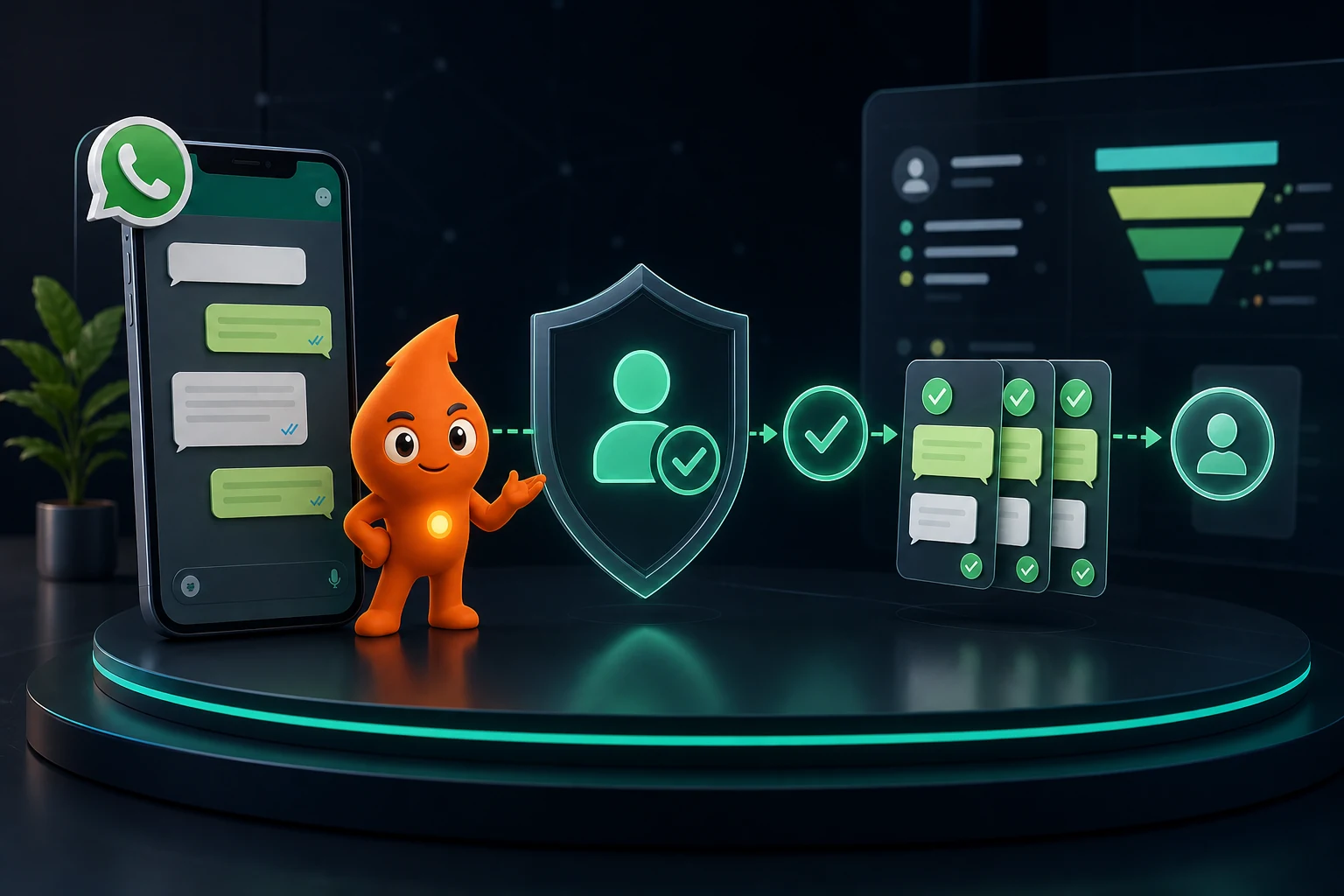
Short answer: Before you automate WhatsApp messages, each recipient must have opted in to hear from your business on WhatsApp, and Meta requires the opt-in to name your business and WhatsApp. Outside the 24-hour customer service window you can send only approved templates, in the right category: utility for non-promotional updates the user asked for, marketing for anything persuasive, authentication for OTPs. Meta recategorises misfiled templates, pauses templates that collect blocks, and caps how many people you can message per day. In India, the DPDP Act adds a consent standard ("free, specific, informed, unconditional and unambiguous") and withdrawal that is as easy as giving consent.
What are WhatsApp's opt-in requirements for business messages?
Meta's opt-in guidance sets three requirements: businesses must "clearly state that a person is opting in to receive messages from the business over WhatsApp", must "clearly state the business' name", and must comply with applicable law. Opt-in can be collected on a website, in a WhatsApp thread, over SMS, through an IVR call flow, or in person or on paper; any method is acceptable if it meets those requirements.
The WhatsApp Business Messaging Policy (last updated 23 September 2026) adds that you may message someone only if they gave you their number and you have "received opt-in permission from the recipient confirming that they wish to receive" messages from you, and that you may start conversations only with an approved message template.
| Situation | Is it valid WhatsApp opt-in? |
|---|---|
| Unticked checkbox on your enquiry form: "Send me updates about my enquiry from [Business] on WhatsApp" | Yes, for the purpose stated |
| The person messaged you first on WhatsApp | Yes for replies in that conversation; ask before adding them to marketing |
| Phone number on a visiting card, or in a portal lead without WhatsApp consent naming you | No |
| Purchased or "data partner" contact list | No |
| Pre-ticked checkbox or consent hidden in terms and conditions | Not under DPDP, which needs a clear affirmative action |
| Verbal consent on a sales call | Can meet Meta's requirements if the caller names the business and WhatsApp; log the call ID, date and wording in the CRM |
Meta's best practice is to collect "separate opt-in by specific message category", which also protects your quality rating. A form wording we use for Indian lead forms:
☐ Send me updates about my enquiry (call-back time, appointment reminders) from [Business name] on WhatsApp at this number.
☐ Also send me offers and new launches from [Business name] on WhatsApp. I can reply STOP at any time.
What does India's DPDP Act require for WhatsApp consent?
The Digital Personal Data Protection Act, 2023 applies to the phone numbers and chat data you process:
- Notice (Section 5): a consent request must be accompanied or preceded by a notice of the personal data and purpose, how to withdraw consent and exercise rights, and how to complain to the Data Protection Board.
- Consent (Section 6(1)): "free, specific, informed, unconditional and unambiguous with a clear affirmative action", and limited to the data needed for that purpose.
- Withdrawal (Section 6(4)): withdrawing must be as easy as consenting. If consent was one tap, opting out cannot require an email to a grievance officer.
- Voluntarily provided data (Section 7(a)): data a person gave you for a specified purpose, without objecting, can be used for that purpose. Replying to an enquiry about the thing they asked about fits; a promotional campaign about something else needs consent.
The DPDP Rules were notified in November 2025 (PIB, 14 November 2025), with "standalone, clear and simple consent notices" and an 18-month compliance runway; per S.S. Rana's summary, the data-fiduciary obligations apply from 13 May 2027. The Act's schedule allows penalties of up to ₹250 crore for failing to take reasonable security safeguards and up to ₹50 crore for other breaches. Build the consent record now:
| Consent field | Example |
|---|---|
| Phone (E.164) | +919810012345 |
| Purpose(s) consented | Enquiry updates; marketing |
| Exact wording shown, with version | form_consent_v3 |
| Source and method | Website form, checkbox; or IVR, keypress 1 |
| Timestamp with time zone | 2026-10-11 14:32 IST |
| Status and withdrawal timestamp | Active / withdrawn 2026-11-02 09:10 IST via STOP |
What are the WhatsApp template categories, and how does Meta recategorise them?
| Category | Allowed content | India rate per delivered message (Oct 2026, before GST) |
|---|---|---|
| Marketing | Offers, launches, reminders to buy, re-engagement, anything persuasive; mixed or unclear templates default here | ₹0.8631 |
| Utility | Non-promotional updates about something the user did or asked for: confirmations, reminders, status updates, opt-in confirmations | ₹0.115 |
| Authentication | One-time passcodes only, from Meta's template library, with an OTP button and no URLs, media or emojis | ₹0.115 |
Full pricing, including the October 2026 change that started charging service replies, is in our WhatsApp Business API cost guide. On recategorisation, Meta's template category guidelines say:
- Meta has run a recurring check since 1 July 2024 for approved templates that belong in a different category, and notifies businesses by email, a banner in WhatsApp Manager and the
template_category_updatewebhook. - Since 9 April 2025, a template submitted as utility that Meta judges to be marketing is approved as marketing rather than rejected.
- Since 16 April 2025, businesses already warned for misuse get no advance notice; changes apply immediately.
- Misuse escalates: a warning, then a 7-day restriction on sending utility messages (approved utility templates are moved to marketing), and 30 days for repeat misuse.
- You can request a review of a category decision within 60 days through WhatsApp Manager and Business Support.
The practical rule: one template, one purpose. "Your appointment is confirmed. Book a friend and get 10% off" is a marketing template, billed at ₹0.8631, and repeated attempts to pass such wording as utility put the whole account at risk. Ready-to-submit wording, labelled by category, is in our 25 WhatsApp follow-up templates.
How do WhatsApp quality rating and messaging limits work?
Template quality. Each template has a rating "based on usage, customer feedback, and engagement": GREEN, YELLOW, RED, or UNKNOWN while new (template quality). When a template reaches the lowest rating, Meta pauses it for 3 hours the first time and 6 hours the second; the third time it is disabled (template pausing). Repeatedly sending low-quality templates can eventually affect the phone number too.
Messaging limits. The limit is the number of unique users you can message outside a customer service window in a moving 24 hours. It is set for the whole business portfolio and shared by all its numbers (messaging limits).
| Tier | How you get there |
|---|---|
| 250 | Starting limit for new business portfolios |
| 2,000 | Verify your business, have your onboarding partner verify it, or send 2,000 delivered template messages to unique users within 30 days using high-quality templates |
| 10,000 → 100,000 → Unlimited | Automatic, one level within 6 hours, when quality is high across numbers and templates and you used at least half of your current limit in the last 7 days |
Per-user marketing limits. Separately, WhatsApp may limit how many marketing templates a person receives from any business when their engagement is low. Those sends fail with error 131049, and Meta advises waiting at least 24 hours before retrying (per-user limits). Messages inside an open customer service window do not count.
What protects all three: send marketing only to people who opted in for it, segment by recent engagement, and cap marketing frequency (one or two marketing templates a week per contact is a sensible starting cap; adjust it by block and opt-out rate).
How should WhatsApp automation handle opt-outs?
The policy says you must respect requests "either on or off WhatsApp" to block, discontinue or opt out. A lead telling your caller "don't message me on WhatsApp" counts as much as a STOP reply.
- Keywords: treat STOP, UNSUBSCRIBE, "stop messages", "band karo" and "mat bhejo" (and your regional-language equivalents) as opt-outs. Confirm once ("You won't receive further offers from [Business] on WhatsApp") and send nothing else.
- Button: add a "Stop offers" quick-reply button or a "Reply STOP to opt out" line to marketing templates.
- Error 131050: Meta returns it when "this recipient has chosen to stop receiving marketing messages on WhatsApp from your business" (error codes). Map it to marketing-suppressed in the CRM.
- Suppress everywhere: the CRM, the WhatsApp provider, broadcast lists, queued sequences and any agency's campaign tool. Test that a withdrawn contact cannot be re-imported from an old spreadsheet.
- Keep utility separate: someone who stops offers may still want their appointment reminder. Record purposes separately, as in the consent table above.
How these fields flow through a CRM is covered in our WhatsApp CRM integration guide.
What content and industries are restricted on WhatsApp?
- Sensitive identifiers: the policy says not to share or ask people to share full payment card numbers, financial account numbers, national ID numbers or other sensitive identifiers in chat. Collect payments and KYC through a secure link.
- Health information: the policy says not to use WhatsApp for telemedicine or to send or request health information where applicable regulations require systems with heightened protections, and lists medical and healthcare products among prohibited goods. Clinics should keep templates to logistics (date, time, doctor, address) and, under India's NMC guidelines of October 2026, avoid testimonials, before/after claims and "free consultation" offers. See WhatsApp appointment booking automation.
- Prohibited categories include drugs, alcohol and tobacco (with limited country exceptions), real-money gambling, payday loans and debt collection, adult products, dating services and multi-level marketing.
- Automation must have a human exit: bots need "prompt, clear, and direct escalation paths", such as transfer to an agent or a phone number. Guardrails for AI bots are in our AI WhatsApp chatbot guide.
- Sector rules still apply: real-estate marketing templates are advertisements under RERA and need the registration number and Authority website; see our RERA advertising checklist.
WhatsApp automation pre-launch audit
| Check | Pass condition |
|---|---|
| Opt-in wording | Names the business and WhatsApp; separate boxes for updates and marketing; unticked by default |
| Consent record | Wording version, source, timestamp and purposes stored per contact |
| Template inventory | Each template has an owner, purpose, category, trigger and test cases for blank and long variables |
| Category honesty | No offers, referrals or upsell lines in utility templates |
| Stop conditions | Reply, opt-out, booking, purchase and human takeover all stop sequences |
| Opt-out sync | STOP and error 131050 suppress the contact across every tool within one sync cycle |
| Escalation | Every bot path offers a human or phone number |
| Quality monitoring | Weekly review of template ratings, paused templates, block and opt-out rate by template |
| Access | Individual agent logins, role-based permissions, exports restricted, leavers removed the same day |
| Retention | A defined retention period for chats and consent evidence, and a process for deletion requests |
If you want this audit run on an existing setup, or a compliant system built from scratch, see our WhatsApp CRM automation service.
Sources
- Meta for Developers: Get opt-in for WhatsApp: opt-in requirements, methods and best practices.
- WhatsApp Business Messaging Policy (updated 23 September 2026): opt-in, opt-out, templates, escalation, sensitive data, prohibited categories.
- Meta for Developers: Template category guidelines: definitions, recategorisation dates, misuse restrictions, reviews.
- Meta for Developers: Template quality and Template pausing: ratings, pause durations.
- Meta for Developers: Messaging limits: tiers, scaling paths, portfolio-level limits.
- Meta for Developers: Per-user marketing limits and Error codes: 131049, 131050.
- Digital Personal Data Protection Act, 2023 (MeitY): Sections 5, 6, 7 and penalty schedule.
- PIB: DPDP Rules, 2025 notified (14 November 2025) and S.S. Rana: phased commencement of the DPDP Rules: notice requirements and compliance dates.