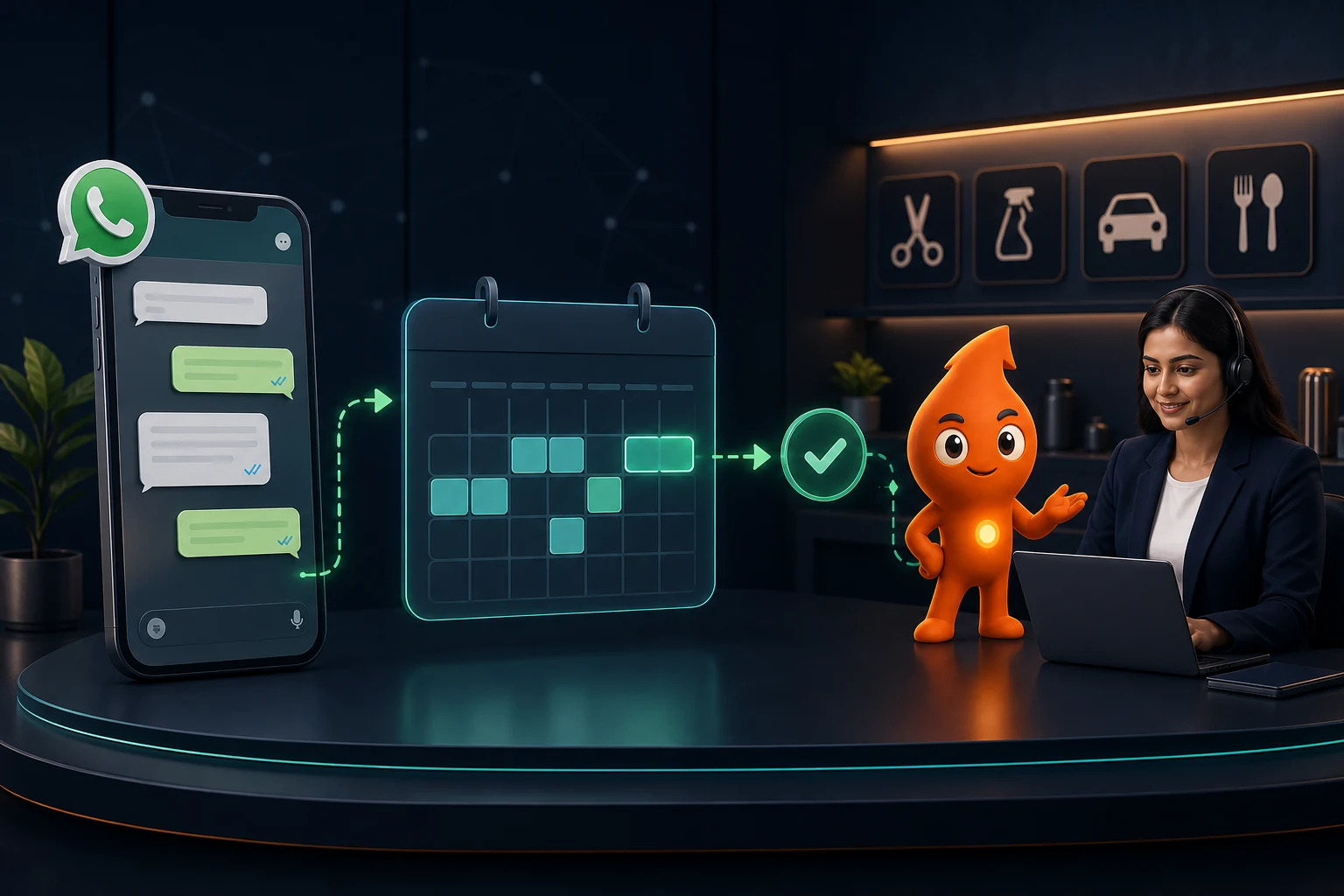
Short answer: WhatsApp appointment booking automation lets a patient or customer pick a service, branch and live time slot inside WhatsApp, then sends a confirmation and reminders as utility templates and writes the booking to your calendar and CRM. Use reply buttons or a list for simple clinics and WhatsApp Flows when you need a multi-step form. In India each reminder costs Meta's utility rate of ₹0.115 plus GST, so three messages per appointment for 1,200 appointments a month is under ₹500.
Should a WhatsApp booking flow use buttons, lists or WhatsApp Flows?
WhatsApp appointment booking automation can be built with three message types on the WhatsApp Business Platform. They differ in how much the patient can do on one screen, and in how much engineering you need.
| Message type | Limits (Meta documentation) | Best for | Build effort |
|---|---|---|---|
| Reply buttons | Up to 3 buttons, 20 characters each; body up to 1,024 characters | Confirm / Reschedule / Cancel; picking one of three branches | Low: any provider chatbot builder |
| List message | Up to 10 rows across up to 10 sections; row title 24 characters, description 72 | Choosing a doctor, service or a day; showing up to 10 slots | Low to medium |
| WhatsApp Flows | Multi-screen forms with drop-downs, date pickers and text fields; can call your server for live data | Department → branch → date → time in one structured form, plus name and contact details | Medium to high: needs an encrypted endpoint for live slots |
Meta published a worked appointment-booking Flow built from the "Book an appointment" template in Flow Builder. It has four screens (appointment, details, summary, terms), with department, location, date and time drop-downs that unlock one after another. In Meta's sample the options are hard-coded; for real availability you connect a Flow endpoint, which receives encrypted data_exchange requests, returns the next screen's data, and must answer WhatsApp's periodic health-check pings.
Our rule of thumb: a single-doctor clinic or salon with one calendar does well with a list of the next available slots plus reply buttons. A multi-branch hospital, diagnostic chain or service business with several staff calendars should use Flows, because a patient can change the branch and see different dates without starting the chat again.
Flows can be sent two ways: as an interactive message while the customer is chatting with you, or as an approved template with a FLOW button, which is how you start a booking with someone who has not messaged you in the last 24 hours.
What does a good WhatsApp booking conversation look like?
Example for a two-branch dental clinic in Noida, using lists and buttons. Every message is logistics; none of it promotes an offer.
- Patient: taps "Book appointment" on the clinic website (a wa.me link with prefilled text) or messages directly.
- Bot (list): "Which service do you need?" Rows: Consultation, Cleaning, Follow-up visit, Something else.
- Bot (buttons): "Which branch?" Sector 18 / Sector 62.
- Bot (list): the next 8 open slots from that branch's calendar, e.g. "Tue 14 Oct, 11:30 a.m."
- Bot: holds the slot and asks for the patient's name (phone number is already known from WhatsApp).
- Bot: confirmation with date, time, doctor, address, a map link, what to bring, and buttons: Confirm / Change time.
- System: writes the appointment to the calendar, creates or updates the CRM contact with source and booking ID, and schedules reminders.
Three design choices make this work: ask for the service before the slot (slot length depends on it), never show more than 10 slots, and always include a "Something else" or "Talk to the front desk" option.
How do you connect WhatsApp booking to a calendar?
The booking only works if the slot list is live. A bot that offers a slot the receptionist already gave away on the phone does more harm than no bot.
| System | Role in the booking | What to get right |
|---|---|---|
| Calendar or clinic management software | Source of truth for availability | Phone and walk-in bookings must go into the same calendar |
| Middleware or provider bot | Reads free slots, holds one, writes the booking | Hold a slot for a short time (we use 10 minutes) and release it if the patient does not confirm |
| WhatsApp provider | Sends lists, Flows, confirmations and reminders | Store the booking ID with each template send |
| CRM | Patient or customer record, source, owner, outcome | Attendance status after the visit, not just "booked" |
With Google Calendar, the freeBusy query returns busy ranges for the calendars you list between two times; subtract those from working hours to get open slots. Three engineering details prevent the classic bugs:
- Idempotency: use a unique token per booking attempt (a Flow's
flow_tokenworks) so a double tap creates one appointment, not two. - Time zone: store in IST with an explicit offset; overseas patients see times in IST with the label.
- Two-way sync: when the front desk moves an appointment in the calendar, trigger a "your appointment has changed" utility template and update the CRM.
Field mapping and webhook handling are covered in our WhatsApp CRM integration guide.
Which reminders should you send, and what do they cost?
Appointment confirmations and reminders are utility messages when they relate to a booking the customer made and contain nothing promotional. Meta's template category guidelines say a utility template must be "non-promotional" and specific to the user's order, account or service; a template that mixes a reminder with an offer is classed as marketing.
| Message | When we send it | Category | Sample wording |
|---|---|---|---|
| Confirmation | Immediately after booking | Utility | "Your appointment at {{1}} is booked for {{2}} at {{3}} with {{4}}. Reply or tap below to change it." Buttons: Get directions / Change time |
| Preparation note | 48 hours before, only if preparation is needed (fasting, documents) | Utility | "For your {{1}} on {{2}}, please {{3}}. Questions? Reply here." |
| Reminder | 24 hours before | Utility | "Reminder: {{1}} tomorrow at {{2}}, {{3}}. Will you be able to come?" Buttons: Yes, I'll come / Reschedule / Cancel |
| Day-of reminder | 2 to 3 hours before (skip if they confirmed and the visit is local) | Utility | "See you at {{1}} today. Parking is at {{2}}." |
| Missed visit follow-up | Same day, after the slot | Utility | "We missed you today. Would you like a new time?" Button: Pick a new time |
Cost. From 1 October 2026 Meta also charges for utility templates sent inside an open 24-hour window, per its non-template pricing page, so even a confirmation sent while the patient is still chatting is billed. The India utility rate is ₹0.115 per delivered message, as reported by the Free Press Journal on 30 September 2026. Worked example: a clinic with 1,200 appointments a month sending a confirmation, a 24-hour reminder and a day-of reminder sends 3,600 utility messages: 3,600 × ₹0.115 = ₹414, or about ₹489 with 18% GST. If the booking started from a Click-to-WhatsApp ad, messages in the 72-hour free entry point window are free. Message fees are only part of WhatsApp automation pricing for businesses: provider plan fees and per-message markups are compared in our WhatsApp API cost guide.
For service businesses the timing changes with the travel and preparation involved. Starting points we use:
| Business | Reminder timing | Extra message worth sending |
|---|---|---|
| Clinic OPD consultation | 24 hours and 2 hours | Directions and documents to bring |
| Diagnostic test | 48 hours and morning of | Fasting or preparation instructions |
| Salon or spa | 24 hours | Late-arrival policy |
| Home service (AC repair, pest control) | Evening before and 30 minutes before arrival | Technician name and arrival window |
| Car detailing or service centre | 24 hours | Drop-off time and expected ready time |
Do WhatsApp reminders actually reduce no-shows?
There is no large trial of WhatsApp reminders specifically, but there is good evidence for mobile text reminders in general. A Cochrane systematic review (Gurol-Urganci et al., 2013) of 8 randomised trials with 6,615 participants found:
- Attendance of 78.6% with text reminders versus 67.8% with no reminder (risk ratio 1.14, 95% CI 1.03 to 1.26; moderate-quality evidence from 7 studies).
- Attendance similar to phone-call reminders (78.6% vs 80.3%; RR 0.99).
- In two studies, cost per attendance 55% and 65% lower than phone-call reminders.
The authors call the evidence low to moderate quality, so treat it as direction, not a guarantee. Worked example, with assumptions stated: a clinic with 1,000 booked appointments a month and 70% attendance today. If reminders lift attendance by the review's risk ratio of 1.14, attendance becomes about 80%, or roughly 98 more visits a month, for about ₹407 of utility messages (3,000 messages at ₹0.115, plus GST). The answer you can trust is your own: run reminders on alternate weeks for a month and compare attendance.
The "Will you be able to come?" button matters as much as the reminder. A patient who taps Reschedule frees a slot you can refill; a silent no-show does not.
What rules apply to clinics booking on WhatsApp?
NMC advertising guidelines. The National Medical Commission's Guidelines on Ethical Advertising and Public Communication, dated 6 October 2026 and effective immediately, list "messaging platforms (WhatsApp, Telegrams, Facebook etc.)" as advertising media (para 3.5). For a booking bot that means:
- No discounts, limited-period offers, coupons, cashbacks or free procedures used as inducements (para 8.1(x)). Keep "free check-up" offers out of reminders and broadcasts.
- No patient testimonials and no before-and-after photographs in automated messages (paras 8.1(ii), 8.1(v)).
- Agency or platform arrangements must not tie payment to procuring individual patients (para 8.1(viii)). Pay your WhatsApp provider or developer a flat software or project fee, not a fee per booked patient.
- Factual logistics are fine: doctor name and qualification, timings, address, preparation and declared charges.
WhatsApp policy. The Business Messaging Policy says not to use WhatsApp for telemedicine or to send or request health information where regulations require systems with heightened safeguards. Keep the bot to scheduling; ask "Which service?" not "Describe your symptoms", and keep clinical notes in the clinical system.
DPDP. The Digital Personal Data Protection Rules were notified in November 2025, with the core notice, consent and security obligations applying from 13 May 2027, according to Hogan Lovells' summary. Build now for that: a short notice at the start of the booking chat stating what you collect and why, reminders limited to the appointment, and a separate opt-in before any health-awareness or promotional messages. The wider clinic picture is in our healthcare digital marketing guide, and template rules are in our consent and template rules guide.
Which exceptions must the booking bot hand to a person?
- Urgent symptoms or emergencies: show the clinic's emergency number and a "Call now" button immediately; do not keep collecting booking details.
- No suitable slot: collect a preferred day and time window and create a task for the front desk. Never invent availability.
- Changing an existing booking: look it up by the WhatsApp number, show the booking, then offer new slots.
- Family bookings: ask "Is this appointment for you or someone else?" and record the patient's name separately from the WhatsApp contact.
- Advance payment: send a payment link from your gateway; never ask for card numbers in chat, which the WhatsApp policy also prohibits.
- Anything the bot does not understand twice: transfer to a person. The policy requires a prompt, clear escalation path whenever you automate.
Real-estate teams booking site visits rather than appointments can use the flow in our real-estate WhatsApp automation guide.
Which metrics show the booking automation is working?
| Metric | Formula | What a weak number usually means |
|---|---|---|
| Chat-to-booking rate | Bookings ÷ booking chats started | Too many steps, or the slots offered are too far away |
| Drop-off by step | Chats ending at each step ÷ chats reaching it | A confusing question or a slow endpoint |
| Reminder confirmation rate | "Yes, I'll come" taps ÷ reminders delivered | Reminder sent too early or late |
| Attendance rate | Attended ÷ booked | Weak reminders, poor directions, long lead time |
| Refilled slots | Rescheduled or cancelled slots rebooked ÷ freed slots | No waitlist or no same-day outreach |
| Cost per attended appointment | Marketing spend ÷ attended appointments, by source | The channel produces bookings that do not show |
Start with one service and one branch, test double booking, staff leave, a full day and a cancelled slot, then expand. We build and run these booking flows as part of our WhatsApp CRM automation service, usually alongside healthcare patient acquisition campaigns.
Sources
- Meta for Developers: Interactive reply buttons: 3 buttons, 20-character titles.
- Meta for Developers: Interactive list messages: 10 rows, character limits.
- Meta for Developers: Sending a Flow and Implementing your Flow endpoint: template vs interactive sending, encrypted data exchange, health checks.
- Meta for Developers blog: Appointments with WhatsApp Flows (27 Feb 2024): four-screen booking template.
- Meta: Template category guidelines: utility vs marketing.
- Meta: Non-template message pricing and Free Press Journal (30 Sep 2026): October 2026 charges and India rates.
- Cochrane review CD007458: text reminders and attendance.
- NMC Guidelines on Ethical Advertising and Public Communication (6 Oct 2026): messaging platforms, inducements, testimonials, agency payments.
- WhatsApp Business Messaging Policy: health information, sensitive identifiers, escalation.
- Hogan Lovells: DPDP Act brought into force: phased commencement dates.
- Google Calendar API: freebusy.query: reading busy ranges.