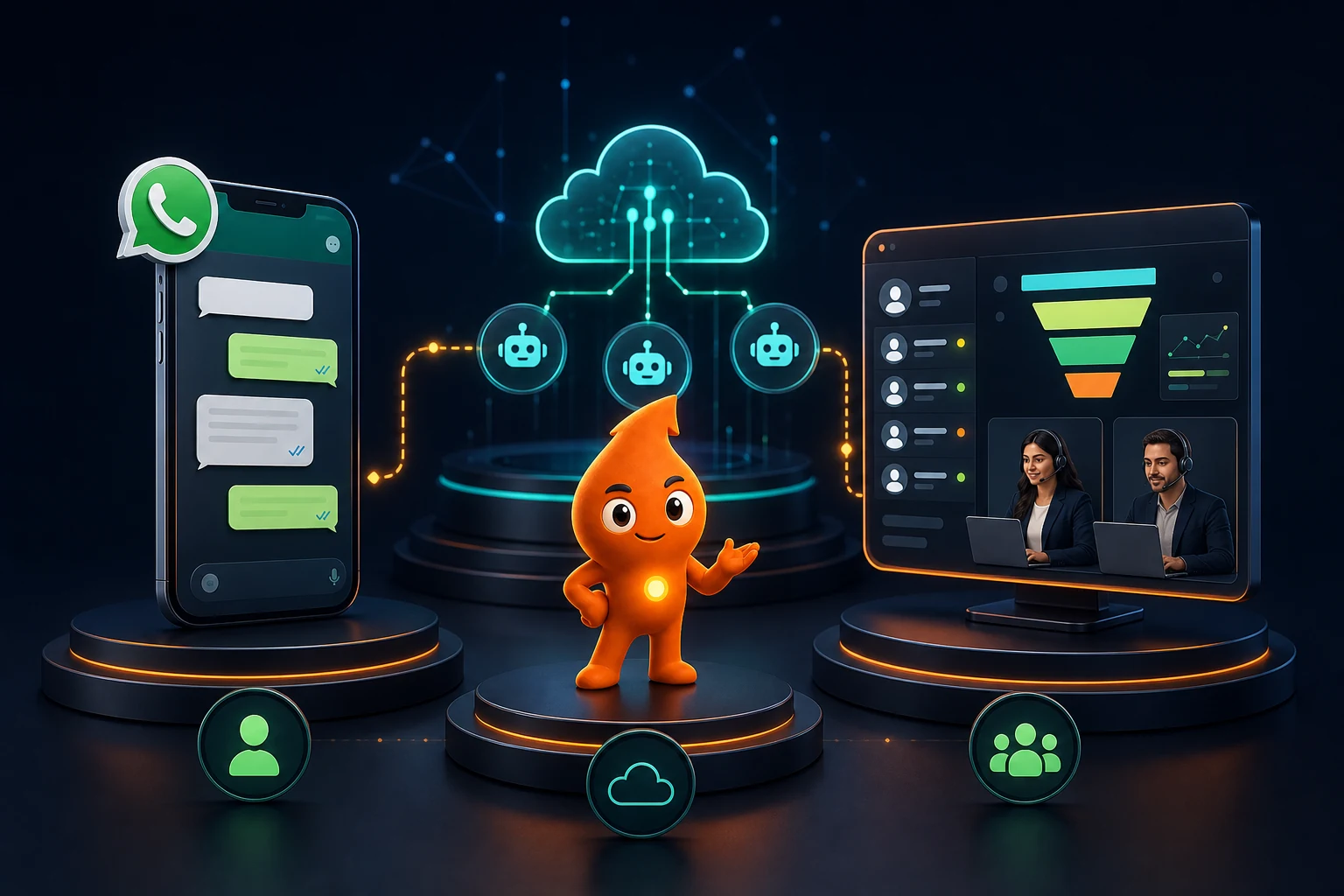
Short answer: Choose the free WhatsApp Business app if one or two people handle chats from one phone. Move to the WhatsApp Business API (the Business Platform, through a provider) when three or more people share a number, you need chatbots, or you message hundreds of opted-in contacts with templates. Add a CRM when leads pass through several stages and owners and you need to report revenue by source. Since coexistence, a number can run on the app and the API at the same time, so moving no longer means losing the app.
WhatsApp Business app vs API vs CRM: how do they compare?
The three are layers, not rivals. The app and the API are two ways to run a WhatsApp business number; a CRM is the record of each lead's owner, stage and value, which the WhatsApp channel plugs into.
| WhatsApp Business app | WhatsApp Business API (via a provider) | API + CRM | |
|---|---|---|---|
| Who it suits | Owner-led shop, clinic or consultant | Team sharing a number; high chat volume | Multi-stage sales: real estate, education, B2B, healthcare chains |
| People on one number | Phone + up to 4 linked devices | Seats per provider plan | CRM users with WhatsApp access |
| Assignment and SLAs | No | Yes, in the provider inbox | Yes, tied to CRM owner and stage |
| Automation | Greeting, away messages, quick replies, Meta Business Agent | Chatbots, Flows, triggered templates | Workflows from CRM events (stage change, missed task) |
| Messaging non-chatting contacts | Broadcast lists | Approved templates at scale, within messaging limits | Same, segmented by CRM fields |
| Integrations | None (no API) | Webhooks, forms, ecommerce, ads | Full lead-to-revenue reporting |
| Message cost | Free | Meta per-message fees + provider | Same + CRM licence |
Multiple people on the app is the first thing to break. WhatsApp's help centre confirms you can link up to four devices to the primary phone, and they log out if the phone is unused for more than 14 days. Our shared inbox guide covers how teams work one number on the API.
What does WhatsApp Business cost in India: app, API or CRM?
App: free. Meta's coexistence documentation confirms that "messages sent by the business via the WhatsApp Business app will continue to be free". Meta's Meta One subscription (announced 15 September 2026) adds paid tiers: Essential from US$14.99 a month and Advanced from US$49.99, the latter with "more linked devices and business broadcast credits on WhatsApp". At ₹96.72 per US$ (9 October 2026 close) that is about ₹1,450 and ₹4,835 a month, though Meta says prices vary by region.
API: three parts. Meta's per-message fee for India, as reported by the Free Press Journal on 30 September 2026: ₹0.8631 per marketing template and ₹0.115 per utility, authentication or service message, with the first 1,000 service messages per number each month free. Inbound messages are never charged. Then the provider plan, for example Gallabox from ₹2,999 a month for 3 users or AiSensy from ₹1,500 a month (as checked 11 October 2026). Then 18% GST on both. The full breakdown is in our WhatsApp Business API cost guide.
CRM: a per-user licence plus any WhatsApp connector fee. Prices differ widely by vendor and plan; we compare Zoho, HubSpot, LeadSquared, Kylas and others in our best CRM for WhatsApp guide.
| Worked example (assumptions stated) | Setup | Monthly cost |
|---|---|---|
| Boutique owner answering 30 chats a day alone | Business app | ₹0 |
| 4-person sales desk: 2,000 marketing templates, 3,000 utility follow-ups, 6,000 service replies a month | API on Gallabox Essential (₹6,999 a month on quarterly billing, 6 users) | Meta: ₹1,726 + ₹345 + ₹575 (5,000 billable replies) = ₹2,646. With the plan: ₹9,645, or about ₹11,381 with 18% GST |
| Same desk plus a CRM | API + CRM | ₹11,381 + CRM licences for 4 users |
When is the WhatsApp Business app enough?
Stay on the app while all of these are true. These thresholds are our working rules, not Meta limits:
- One person (or two, sitting together) answers every chat.
- Fewer than about 50 new conversations a day, so nothing scrolls out of sight.
- The sale closes in one or two conversations: a booking, an order, a quote.
- You do not need to know which ad or page produced the chat beyond what a prefilled wa.me link tells you.
Use what the app gives you well: a complete business profile, a catalogue, greeting and away messages, and labels such as "New", "Quoted", "Paid". Warning signs that you have outgrown it: two staff reply to the same customer, a salesperson leaves and takes the chats with them, or you cannot answer "how many enquiries did last week's ads bring, and how many bought?"
When do you need the WhatsApp Business API?
- Three or more people share the number and need assignment, notes and response timers.
- You run Click-to-WhatsApp ads at volume and want an instant bot reply that qualifies the lead.
- You send event-triggered messages: order updates, appointment reminders, payment links, form follow-ups. These run as approved templates.
- You need integrations with your website forms, Shopify, a booking calendar or a CRM.
Two limits to plan for. Meta's messaging limits start a new business portfolio at 250 unique users per moving 24 hours for business-initiated messages; you reach 2,000 by verifying the business and sending high-quality templates, after which limits scale automatically. And business-initiated messages need opt-in: WhatsApp's Business Messaging Policy allows contact only when the person has given you their number and opted in to receive messages. Our consent and template rules guide covers both.
When does a WhatsApp setup need a CRM?
An inbox answers "who replied?". A CRM answers "who owns this deal, what was promised, what happens next, and which campaign produced the revenue?". Add one when:
- Leads arrive from several sources (Meta lead forms, Google Ads, portals such as 99acres or Shiksha, walk-ins) and WhatsApp is only one of them.
- A sale has three or more stages, such as enquiry, site visit or counselling, proposal and booking.
- You need to send qualified leads back to Google Ads or Meta to optimise bidding, which our WhatsApp lead tracking guide explains.
- Management wants a forecast, not a chat count.
Either the CRM has a native WhatsApp connector, or the provider's inbox syncs contacts and activity into it. The trade-offs are in our WhatsApp CRM integration guide.
Can you use the WhatsApp Business app and API on the same number?
Yes. Meta calls it coexistence, and it is offered through providers that onboard you via Embedded Signup. Before it existed, Meta's phone number rules required that "numbers already in use with WhatsApp cannot be registered unless they are deleted first". That rule still applies if you skip coexistence. What Meta's coexistence documentation specifies:
| Item | What happens |
|---|---|
| Eligibility | WhatsApp Business app version 2.24.17 or higher; onboarding through a Solution Partner or Tech Provider |
| Chat history | One-to-one messages from the last 180 days (six months) can sync; media only from the 14 days before onboarding; group chats do not sync |
| Contacts | Contacts with a WhatsApp number can sync |
| Disabled in the app | Broadcast lists (existing ones become read-only), disappearing and view-once messages in one-to-one chats, live location |
| Not available on the API side | Calls, catalogue and orders, labels, quick replies, away messages, Channels |
| Throughput | Fixed at 20 messages per second (standard API numbers start at 80, per Meta's throughput documentation) |
| Companion devices | Up to 4, except WhatsApp for Windows and WearOS; onboarding unlinks them and you re-link |
| Pricing | Messages from the app stay free; messages from the API are billed at Cloud API rates |
| Keep-alive | Disconnection if the primary phone is inactive for about 14 days |
Coexistence suits an owner who wants to keep chatting from the phone while a small team and a bot handle volume on the API. It does not suit a business that relies on app broadcast lists for promotions, because those stop; you move promotions to marketing templates, which cost ₹0.8631 each. One technical note for providers: Meta deprecates Embedded Signup v2 on 15 October 2026, so ask yours whether they are on v4.
How do you migrate from the app to the API and a CRM?
- Decide coexistence or a clean move. Coexistence keeps the app and six months of history. A clean move means deleting the number from the app first and starting the API with no history, so export important chats beforehand (WhatsApp's "Export chat" per conversation).
- Verify the business in Meta Business Manager. Verification lifts the messaging limit path and, per Meta's phone-number rules, raises the cap from 2 to 20 registered numbers per portfolio.
- Pick a provider using our provider selection guide, and confirm in writing that the WhatsApp Business Account is created under your business portfolio, not theirs.
- Map labels to fields. App labels do not move to the API. Turn "Quoted", "Visit booked", "Paid" into CRM stages, and "Project A", "Hindi" into fields used for routing.
- Submit templates before switching: a welcome, one or two utility follow-ups and one marketing nurture. Meta's template documentation says review "can take up to 24 hours".
- Re-confirm opt-in for anyone you plan to message with templates. Old broadcast-list contacts who never opted in are a quality-rating risk.
- Connect the CRM and test: a new lead, a returning contact, a number saved with and without +91.
- Switch entry points: website button, ads, Google Business Profile, visiting cards and email signatures, all to the API number.
- Review after 30 days: response times, expired windows, template costs and leads by source.
What mistakes do businesses make choosing between them?
- Buying the API to send bulk promotions. The API does not exempt you from opt-in; unsolicited templates get blocked and pull down your quality rating.
- Treating the inbox as the CRM. Tags are not stages; you lose reporting the day you add a second channel.
- Letting a provider own the account. If the WhatsApp Business Account sits in the vendor's portfolio, switching vendors becomes painful.
- Ignoring the October 2026 price change. Service replies and in-window utility messages are now charged, per Meta's non-template pricing page. Budget for them.
If you want help choosing and setting up the stack, our WhatsApp CRM automation service handles the migration and the CRM connection.
Sources
- Meta for Developers: Onboarding WhatsApp Business app users (coexistence): eligibility, sync, disabled features, 20 mps, pricing, Embedded Signup v2 deprecation.
- Meta for Developers: Business phone numbers: delete-first rule, 2 to 20 numbers per portfolio.
- Meta for Developers: Messaging limits: 250 starting limit and scaling.
- Meta for Developers: Non-template message pricing: charges from 1 October 2026.
- Free Press Journal (30 Sep 2026): India INR per-message rates.
- WhatsApp Help Center: About linked devices: four devices, 14-day logout.
- Meta Newsroom: Introducing Meta One: paid tiers for the Business app.
- WhatsApp Business Messaging Policy: opt-in requirement.
- Gallabox pricing and AiSensy pricing: provider plan prices, checked 11 October 2026.