WhatsApp CRM Automation
Turn every permitted conversation into an owned, measurable follow-up journey
GrowthSparx designs WhatsApp and CRM workflows for lead capture, qualification, routing, reminders, appointments, nurture and sales reporting—with human handoff and consent built into the system.
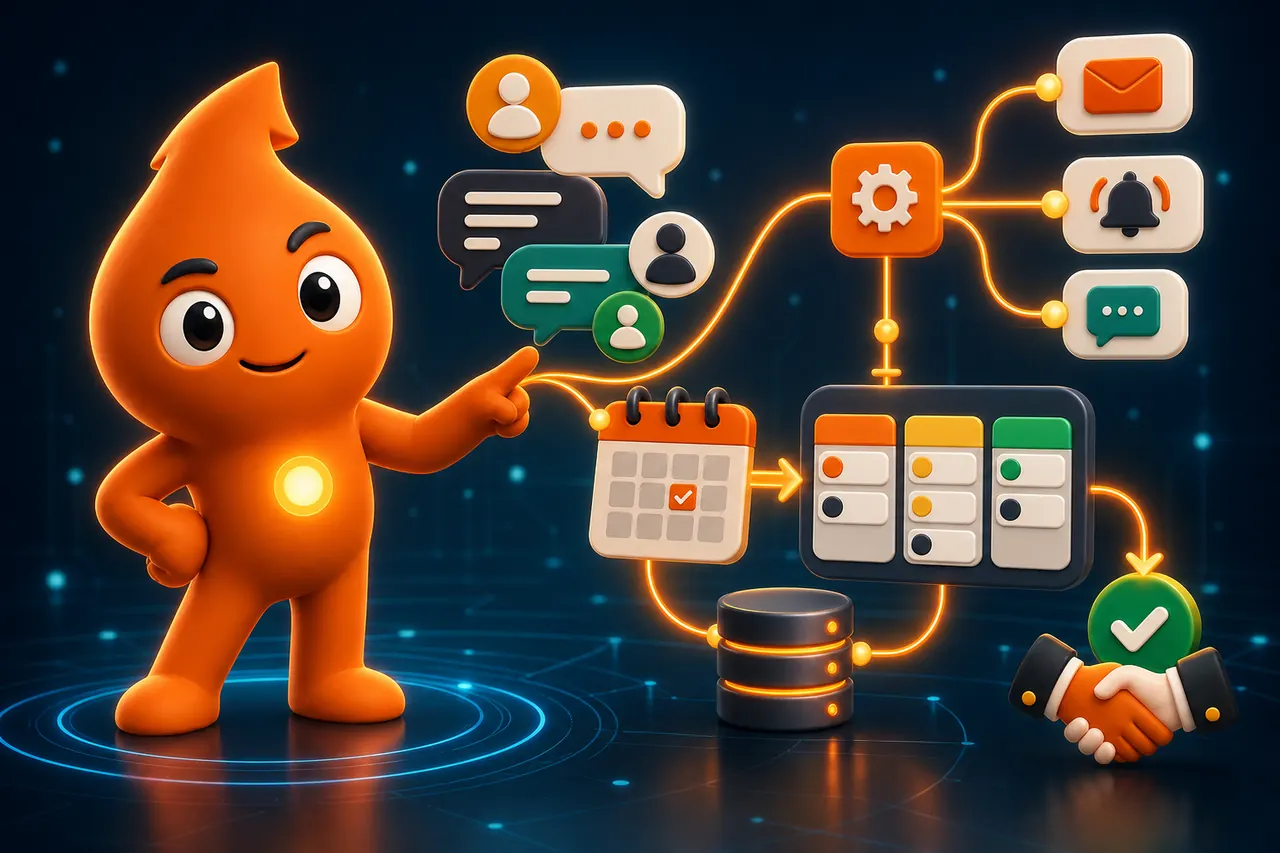
Direct answer: WhatsApp CRM automation connects your WhatsApp Business number to your CRM so every enquiry is captured with its source, qualified in the chat, assigned to an owner and followed up with approved messages until it books, buys or opts out. We build these systems for Indian sales teams so fewer leads are lost after the first message and every conversation is tied to appointments and revenue.
Fit check
Who needs a WhatsApp CRM, and who does not yet
A strong fit when
Most enquiries arrive on WhatsApp or from Click-to-WhatsApp ads; several people share one number or phone; follow-up lives in memory or spreadsheets; you cannot say which campaign produced a booked visit; or reminders are typed by hand every day.
Not the first priority when
You get a handful of enquiries a week that one person answers; there is no sales stage or owner to automate; or the real problem is weak demand or a slow website. Then we start with lead generation and add automation once there is volume worth routing.
Deliverables
What we build and hand over
Journey and consent map
Every entry point (ads, website, QR, forms), the permission captured at each, sales stages, owners and exceptions.
WhatsApp–CRM integration
Provider setup on your own business account, number migration where needed, and two-way sync of contacts, source, UTM, owner, stage and opt-out status with your CRM.
Qualification and routing
In-chat questions, lead scoring, round-robin or territory assignment, response-time alerts and escalation to a human.
Template library
Utility and marketing templates written to WhatsApp’s category rules, submitted for approval, in English, Hindi or Hinglish, with clear opt-out wording.
Booking and reminders
Site-visit, consultation, demo or counselling slots booked from the chat, with confirmations, reminders and no-show recovery written back to the CRM.
Dashboard and SOPs
A dashboard for response time, qualification, bookings, opt-outs and revenue by source, plus a short playbook so your team knows when to step in.
A typical WhatsApp CRM follow-up automation
A typical sequence for a Click-to-WhatsApp ad enquiry. Every step stops the moment the lead replies, books or opts out.
- Minute 0: instant acknowledgement, two or three qualifying questions (requirement, location, budget or timeline) and a choice to talk to a person now.
- Minutes 1–5: the CRM creates or updates the lead, assigns an owner and sends them an alert with the conversation and ad source.
- Service level breached: if the owner has not replied in your agreed window, the lead is reassigned or escalated to a manager.
- Day 1–3: one helpful follow-up (brochure, price sheet, slot options) while the free 72-hour entry-point window from the ad is still open.
- Booked: confirmation, location or meeting link, reminder the day before and on the day; no-shows get a reschedule option.
- After the visit or call: the salesperson records the outcome; the CRM triggers the next approved message or closes the loop.
For copy you can adapt, see our 25 WhatsApp follow-up templates for sales leads, and for the full lead flow, WhatsApp lead management and CRM follow-up.
How we work
From audit to a working system in about a month
Week 1: Audit and map
Free 30-minute audit call, then a written 30-day plan within three business days. We document entry points, consent, CRM fields, owners, stages and current response times.
Weeks 2–3: Build and approve
Provider and number setup, CRM integration, routing rules, templates submitted for Meta approval, booking links and the dashboard. We test every path with real phones.
Week 4: Launch and train
Go live on one or two entry points, train the team on handoff rules and watch failures and opt-outs daily.
Months 2–3: Improve
Rewrite weak templates, tune questions and timing, add entry points and review cost per qualified conversation against revenue.
WhatsApp automation pricing: what you actually pay
WhatsApp automation pricing in India has separate layers; comparing providers only on monthly plans hides most of the bill.
| Cost layer | Who charges it | What drives it |
|---|---|---|
| Per-message fees | Meta | Charged per delivered template by category and the recipient’s country. On the INR card we track: marketing about ₹0.86, utility and authentication about ₹0.115, plus 18% GST. Inbound messages are free. |
| Platform or BSP plan | Your provider | Shared inbox, seats, chatbot builder, broadcasts and integrations; roughly ₹500 to ₹17,000 a month on the Indian plans we compared. |
| CRM licences | Your CRM vendor | Users and the automation tier you need for webhooks and workflows. |
| Build and optimisation | GrowthSparx | Number of entry points, CRM complexity, languages, booking integrations and how many workflows we maintain. |
Two recent changes matter. According to Meta’s non-template message pricing, from 1 October 2026 service replies and utility templates sent inside the 24-hour customer service window are charged per message. Meanwhile, Meta’s pricing overview confirms that replies within 24 hours to someone who arrived from a Click-to-WhatsApp ad open a 72-hour window in which messages are free, which is why we design ad journeys around it. Worked monthly bills are in our WhatsApp Business API cost guide.
When WhatsApp CRM runs alongside campaigns we manage, our digital marketing management starts at about ₹25,000–40,000 a month excluding ad spend, month-to-month after an initial three-month ramp-up. Standalone builds are quoted after the audit call.
Consent, policy and data protection
A blocked or downgraded number costs more than any campaign, so compliance is built into the workflow:
- Opt-in before outreach. The WhatsApp Business Messaging Policy allows contact only after the person has shared their number and given opt-in permission, and requires you to honour opt-out requests made on or off WhatsApp.
- A route to a human. The same policy requires prompt, clear escalation paths when automation handles conversations, so every bot flow offers a live agent, call or email option.
- Provable consent. Under Section 6 of the DPDP Act 2023, consent must be free, specific and informed, withdrawal must be as easy as giving it, and the business must be able to prove it. We store the timestamp, source and wording of each opt-in in the CRM.
- Sector rules. Clinics must follow the National Medical Commission’s 6 October 2026 ethical advertising guidelines, so reminder flows carry no discounts, testimonials or inducements.
Our consent and template rules guide covers template categories and quality ratings in detail.
How we measure success
Revenue signals, not message counts
Speed and coverage
Median first-response time, share of enquiries answered within the service level, and leads left unassigned or untouched.
Qualification and bookings
Qualified conversations, appointments or site visits booked and held, no-show rate and cost per qualified conversation by campaign.
Pipeline and health
Opportunities and revenue by source in the CRM, alongside opt-out rate, template quality rating and blocked messages.
Where follow-up has made the difference
Follow-up discipline sits behind the lead-programme results we publish: a 30% lead-to-deal conversion for ILeadGuru in real estate, 40% lead conversion for Defantasia, and ₹50 CPL with 8% conversion for Career Clinic in education. Playbooks: real estate, admissions, clinic bookings.
Knowledge hub
Guides for planning your WhatsApp CRM
FAQ
Questions buyers ask us
How much does WhatsApp automation cost in India?
There are three layers. Meta charges per delivered template message: on the current INR rate card about ₹0.86 for marketing and ₹0.115 for utility or authentication, plus 18% GST. A BSP or inbox platform adds roughly ₹500 to ₹17,000 a month on the Indian plans we track. Then comes the build and ongoing optimisation, which we quote after a free 30-minute audit call based on entry points, CRM and workflow count.
Can you integrate WhatsApp with our existing CRM?
Usually, yes. We connect your BSP or the WhatsApp Cloud API to CRMs such as Zoho, HubSpot, LeadSquared, Salesforce or a custom system through native connectors, webhooks or middleware. Every chat creates or updates a lead record with source, campaign, owner and stage, and stage changes in the CRM can trigger the next approved message.
What does WhatsApp CRM follow-up automation look like?
A new enquiry gets an instant acknowledgement and two or three qualifying questions. The CRM assigns an owner, alerts them and escalates if nobody replies within your agreed service level. Leads who go quiet receive a small number of approved, spaced reminders, and booked appointments get confirmations and reminders.
Is a WhatsApp CRM useful for lead generation or only for support?
Both, but lead generation is where we see the biggest commercial gap. Click-to-WhatsApp ads, website buttons and QR codes start conversations with people who have just shown intent. A WhatsApp CRM captures their source, qualifies them in the chat and routes them to sales within minutes, so ad spend is judged on qualified conversations and bookings rather than on message volume.
Do we need the WhatsApp Business API or is the Business App enough?
The free Business App suits a single owner replying from one phone. Once several people share enquiries, you need routing, CRM sync, approved templates and reporting, and those require the WhatsApp Business Platform (API) through a provider. We help you choose the provider and plan, and we keep the account, number and templates in your company’s name.
Can we upload our old database and message everyone?
Not by default. WhatsApp’s Business Messaging Policy requires opt-in permission from each recipient, and the DPDP Act 2023 puts the burden of proving valid consent on the business. A list of numbers is not proof. We audit where each segment came from, message only people with recorded permission and use other channels to re-earn consent for the rest.
How long does a WhatsApp CRM setup take?
A focused build with one entry point, one CRM and core follow-up typically goes live in three to four weeks, including template approval. Multi-team routing, several languages or booking-calendar integration take longer. The first two to three months after launch are for improving reply rates, templates and handoffs using real conversation data.
Map your lead-to-CRM automation
Review your current capture, permissions, routing, follow-up, appointments and sales reporting.
Book a Free Growth Audit