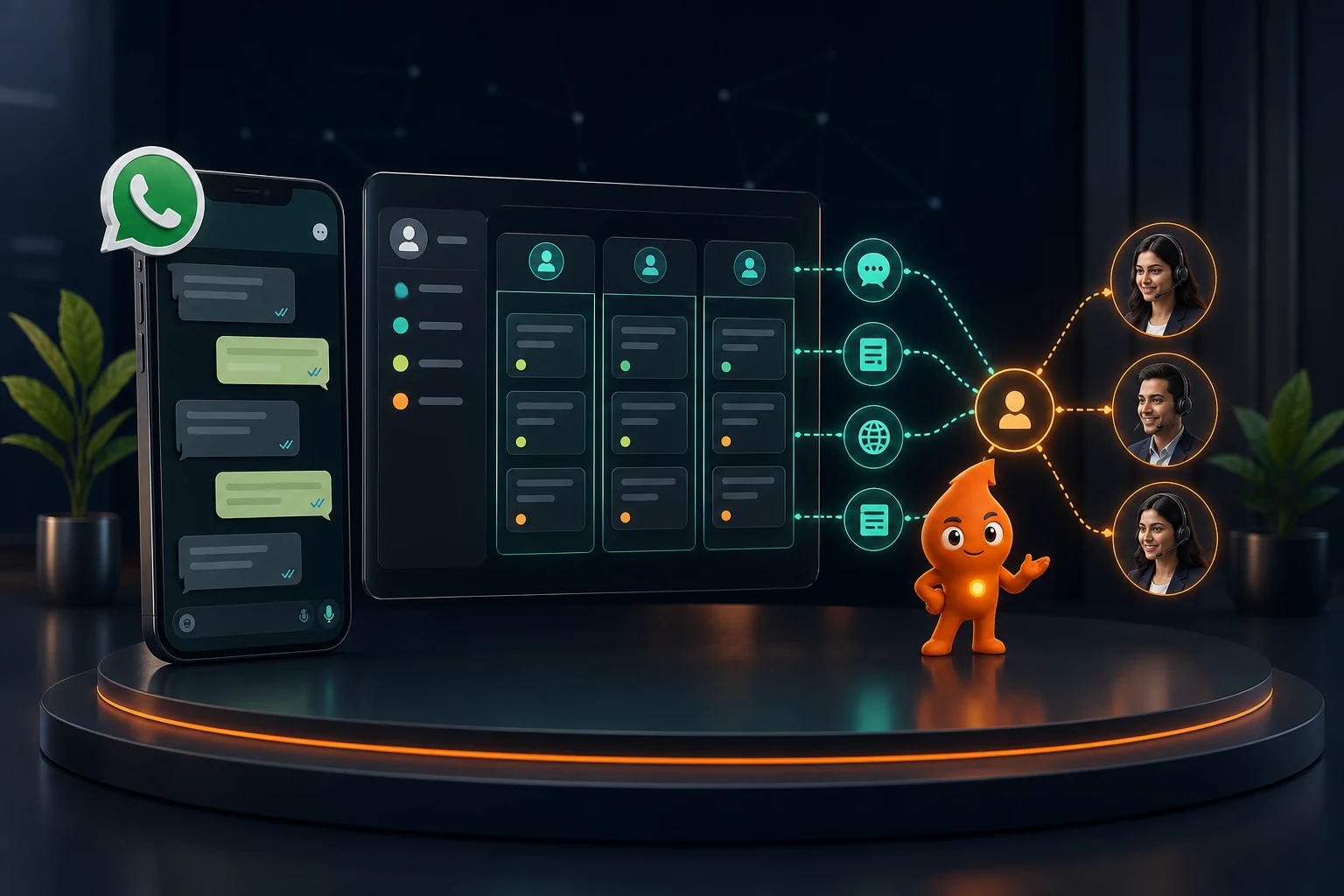
Short answer: WhatsApp CRM integration means every WhatsApp message to your business number creates or updates a CRM contact (matched on the phone number in +91 format), is logged against that lead, and can trigger or stop CRM workflows. There are three ways to build it: a CRM's native WhatsApp connector (Zoho CRM, HubSpot, LeadSquared, Salesforce), a WhatsApp Business API provider's inbox that syncs to your CRM, or your own Cloud API webhook that writes to the CRM's API. All three need a WhatsApp Business Platform account; the free WhatsApp Business app has no API.
What are the three ways to integrate WhatsApp with a CRM?
The integration does one job: it moves events between WhatsApp (the conversation) and the CRM (the record of who the lead is, who owns them and what happens next). Inbound messages, delivery statuses and button replies flow into the CRM; template sends and stage-based triggers flow out. Where the webhook lives decides which of the three models you are using.
| 1. Native CRM connector | 2. BSP inbox + CRM sync | 3. Custom Cloud API webhook | |
|---|---|---|---|
| Who receives Meta's webhooks | The CRM vendor | The WhatsApp provider (Gallabox, WATI, AiSensy and others) | Your server or middleware |
| Where agents chat | Inside the CRM | Provider's shared inbox; CRM gets contacts and activity | Wherever you build it, usually the CRM |
| Typical setup time | Hours to a few days | A few days | 2 to 6 weeks of development |
| Flexibility | Limited to the vendor's features | Good for inbox, broadcasts, chatbots; CRM sync depth varies by plan | Anything the API allows |
| Best fit | Sales team already lives in that CRM | High chat volume, chatbots, campaigns | Custom CRM, unusual routing, in-house developers |
What the native connectors actually include, from each vendor's own documentation (checked 11 October 2026):
- Zoho CRM: Zoho's help article says the WhatsApp integration "is supported in the trial and all paid editions". Utility and marketing templates are created in Zoho and sent to Meta for approval, and approved templates can be used in Workflow Rules, Blueprint, Journey Builder and Wizards. Only unused phone numbers can be connected.
- HubSpot: WhatsApp connects to the conversations inbox on Marketing Hub or Service Hub Professional or Enterprise. HubSpot's knowledge base notes a shared cap of 1,000 template messages per month across connected WhatsApp accounts, which matters if you plan lead nurturing from HubSpot.
- LeadSquared: its Cloud API connector can create a lead automatically when an unknown number messages you, posts an activity for every message sent or received, and syncs templates using your WhatsApp Business Account ID. It is switched on by LeadSquared support.
- Salesforce: the enhanced WhatsApp channel needs Salesforce's Messaging product, routes chats through Omni-Channel and can send approved templates from Flows (Salesforce Trailhead).
If you are still deciding between the free app, the API and a CRM, start with WhatsApp Business App vs API vs CRM; for choosing a provider for model 2, see how to choose a WhatsApp Business API provider in India.
What do you need before you connect WhatsApp to a CRM?
- A Meta business portfolio, ideally verified. New portfolios can message 250 unique users outside the customer service window in a rolling 24 hours. Business verification is one of the paths to the 2,000 tier, per Meta's messaging limits documentation. The limit is shared by every number in the portfolio.
- A WhatsApp Business Account (WABA) and a phone number that can receive an OTP by SMS or voice call. A number already active on WhatsApp must be disconnected first for most connectors (HubSpot and Zoho both say so).
- Or coexistence. Meta now lets a business onboard a number that stays active in the WhatsApp Business app. According to Meta's coexistence documentation, the last six months of one-to-one chats and contacts can sync, but group chats do not sync and the number is limited to 20 messages per second. Ask your CRM or provider whether they support it before you delete anything.
- A system user access token with the
whatsapp_business_messagingandwhatsapp_business_managementpermissions if you are connecting a CRM directly to the Cloud API (LeadSquared's setup asks for exactly this). - A CRM data model: stages, owners and the required fields listed in the mapping section below.
- Four or five approved templates for the first workflows. Meta says review "can take up to 24 hours" (template overview).
How do you set up a WhatsApp CRM integration, step by step?
- List every entry point. Website buttons, click-to-WhatsApp ads, Meta lead forms, portal leads (99acres, MagicBricks, Justdial, IndiaMART), QR codes on print, inbound calls. For each, note whether the person messages you first (a free-form reply is allowed) or you message them first (a template is required).
- Fix the lifecycle stages. New, Contacted, Qualified, Appointment booked, Proposal sent, Won, Lost, Nurture. Write a one-line definition for each so two salespeople would mark the same lead the same way.
- Choose the model from the table above, and confirm in writing that the WABA and phone number sit in your business portfolio, not the vendor's.
- Create the CRM fields before connecting anything (see the mapping table). Make phone a unique field stored in E.164 format, for example
+919810012345. - Set matching and deduplication rules. Match on the normalised phone number. If the contact exists, attach the conversation and, if they are asking about something new, open a new deal rather than a duplicate contact. Strip spaces, leading zeros and the
+inconsistently added by forms before comparing. - Connect the number through the CRM's connector, the provider's embedded signup, or your Meta app's webhook configuration (subscribe to the
messagesfield). - Build three workflows first: instant acknowledgement and owner assignment, a no-reply follow-up that stops on reply, and appointment reminders.
- Test with 20 scripted leads using the test table further down, then switch on one live source at a time.
Which WhatsApp fields should map to which CRM fields?
Field names below are from Meta's webhook payloads. The CRM side is a suggested name; use your CRM's equivalents.
| WhatsApp webhook field | CRM field | Why it matters |
|---|---|---|
contacts[0].wa_id / messages[0].from | Mobile (E.164, unique) | Match key for dedupe; add the + before saving |
contacts[0].profile.name | WhatsApp profile name | Keep separate from First/Last Name; profile names are often nicknames |
metadata.phone_number_id | Business number / team | Routes a sales number and a support number to different queues |
messages[0].id (wamid) | Message ID on the activity | Idempotency: ignore a message ID you have already stored |
messages[0].timestamp | First message at / last inbound at | Response-time SLA and the 24-hour window clock |
text.body or interactive.button_reply.id | First message / qualification answers | Button IDs such as budget_50_80l map cleanly to picklists |
referral.source_id, referral.ctwa_clid | Meta ad ID, click ID | Attribution for click-to-WhatsApp ads |
statuses[].status | Delivery status on the sent-message activity | Sent, delivered, read or failed |
statuses[].pricing.category | Message cost category | Shows whether Meta billed it as marketing, utility or service |
statuses[].errors[].code | Failure reason | Lets you suppress opted-out numbers automatically |
| (your form or chat flow) | WhatsApp opt-in: status, wording, timestamp, source | Proof of consent; blocks templates to people who never opted in |
For joining website clicks to chats with a reference code, and for sending qualified outcomes back to GA4, Google Ads and Meta, follow our WhatsApp lead tracking with GA4 and CRM guide rather than duplicating that logic here.
What does a WhatsApp Cloud API webhook payload look like?
This is a trimmed inbound text message as Meta posts it to your endpoint, with placeholder IDs. The structure (entry → changes → value) follows Meta's webhooks overview.
{ "object": "whatsapp_business_account",
"entry": [{ "id": "<WABA_ID>", "changes": [{ "field": "messages",
"value": { "messaging_product": "whatsapp",
"metadata": { "display_phone_number": "911204000000", "phone_number_id": "<PHONE_NUMBER_ID>" },
"contacts": [{ "profile": { "name": "Ankit" }, "wa_id": "919810012345" }],
"messages": [{ "from": "919810012345", "id": "wamid.HBgM...", "timestamp": "1760160000",
"type": "text", "text": { "body": "Is the 3 BHK in Sector 150 still available?" } }]
}}]}]}
Delivery updates arrive on the same messages field as a statuses array. Each status carries the message ID, status (sent, delivered, read, failed), and a pricing object with pricing_model: "PMP" and a category such as marketing or utility (status webhook reference).
What your endpoint must do
- Verify the subscription. Meta sends a GET request with
hub.mode=subscribe,hub.verify_tokenandhub.challenge; if the token matches yours, return HTTP 200 with the challenge value (create a webhook endpoint). - Check the signature on every POST. Compute an HMAC-SHA256 of the raw body using your app secret and compare it with the value after
sha256=in theX-Hub-Signature-256header. Reject mismatches. - Return 200 immediately, then process from a queue. Meta retries failed deliveries "with decreasing frequency until the request succeeds, for up to 7 days", and warns that retries can produce duplicate notifications. That is why the message ID dedupe above is mandatory.
- Use a valid TLS certificate. Self-signed certificates are not supported, and payloads can be up to 3 MB.
The CRM logic, in plain steps
- If
messages[0].idalready exists in the CRM, stop. - Normalise
fromto+91…and search contacts by mobile. - Not found: create a contact and a lead with source = WhatsApp, entry type (click-to-WhatsApp if a
referralobject exists, otherwise website or direct), and the first message. Found: log the message as an activity and update "last inbound at". - No owner yet: assign by rule (project, city, language) with a round-robin fallback, and create a "reply within 5 minutes" task.
- If the text is an opt-out keyword, set WhatsApp marketing opt-in to "withdrawn" and remove the contact from every active sequence.
To send a template from the CRM, your code calls POST https://graph.facebook.com/v25.0/<PHONE_NUMBER_ID>/messages with "type": "template", the template name, language and parameters. The response returns a message ID that later appears in status webhooks, so store it on the activity (send messages guide).
Which WhatsApp CRM workflows should you build first?
| Workflow | Trigger | Message | Stops when |
|---|---|---|---|
| Acknowledge and assign | Lead created | Session reply if they messaged first; utility template if they came from a form | Delivered; owner assigned |
| Owner SLA escalation | No outbound activity 15 minutes after assignment (working hours) | Internal alert to team lead, reassign at 60 minutes | Owner replies or calls |
| No-reply follow-up | Stage = Contacted and no inbound for 24 hours | Marketing template with one useful asset | Any reply, opt-out, stage change |
| Appointment reminders | Appointment date field set | Utility template at T-24h and T-2h with reschedule buttons | Attended, rescheduled, cancelled |
The full cadence, routing rules and dashboard are in WhatsApp lead management automation, and ready-to-submit wording is in our 25 WhatsApp follow-up templates.
How do you test a WhatsApp CRM integration?
| Test | Expected result |
|---|---|
| New number sends "Hi" | One contact, one lead, owner assigned, acknowledgement logged |
| Same number messages again in 10 minutes | No new contact; message logged on the existing lead |
| Form lead with phone typed as 09810012345 | Matches the WhatsApp contact stored as +919810012345 |
| Chat started from a click-to-WhatsApp ad | Meta ad ID and click ID populated on the lead |
| Agent sends free-form text 25 hours after the last inbound message | Blocked with error 131047 ("More than 24 hours have passed…"); CRM prompts for a template |
| Template sent with one parameter missing | Error 132000; failure shown on the activity, not silently dropped |
| Contact replies STOP | Opt-in set to withdrawn, sequences stopped, future marketing sends suppressed |
| Webhook endpoint down for 30 minutes | Messages arrive later via Meta's retries without duplicates |
Error codes and their meanings are listed in Meta's error code reference. Two worth wiring into the CRM: 131050 ("This recipient has chosen to stop receiving marketing messages on WhatsApp from your business") should mark the contact as marketing-suppressed, and 131049 (blocked to "maintain healthy ecosystem engagement") should wait at least 24 hours before any retry.
How much does a WhatsApp CRM integration cost?
There are three layers: Meta's per-message fees (₹0.8631 per marketing and ₹0.115 per utility message in India as of October 2026, plus GST; full rate table in our WhatsApp Business API cost guide), the software that holds the connection, and setup effort.
- CRM tier: Zoho includes WhatsApp in all paid editions; HubSpot needs a Professional or Enterprise Marketing or Service Hub. Prices are compared in best CRM for WhatsApp lead management in India.
- Provider plan: CRM sync is often a higher-tier feature. On Gallabox's pricing page, Zoho, LeadSquared and HubSpot integrations start at the Essential plan (₹6,999 a month billed quarterly), not Basic. WATI lists HubSpot from its Pro plan and Salesforce on Business.
- Custom build (worked example): a webhook service on a small cloud server, CRM upsert, dedupe, routing and four templates at roughly 40 developer hours × ₹1,500 an hour = ₹60,000 one-time, plus hosting and maintenance. Your figure depends on the CRM's API and how many sources you connect.
If you would rather have the integration designed, built and monitored for you, that is the scope of our WhatsApp CRM automation service.
Sources
- Meta for Developers: Webhooks overview: payload structure, 7-day retries, duplicates, 3 MB limit.
- Meta for Developers: Create a webhook endpoint: verification request, X-Hub-Signature-256, TLS.
- Meta for Developers: Status webhook reference: statuses and pricing object.
- Meta for Developers: Send messages: endpoint, customer service window, message ID.
- Meta for Developers: Messaging limits: 250 starting limit, portfolio-level limits, verification path.
- Meta for Developers: Onboarding WhatsApp Business app users: coexistence, 6-month sync, 20 mps.
- Meta for Developers: Error codes: 131047, 131049, 131050, 132000.
- Zoho CRM Help: WhatsApp Business integration, HubSpot Knowledge Base: Connect WhatsApp, LeadSquared Help: WhatsApp Cloud API, Salesforce Trailhead: WhatsApp: native connector capabilities and requirements.
- Gallabox pricing and WATI pricing (checked 11 October 2026): which plans include CRM integrations.