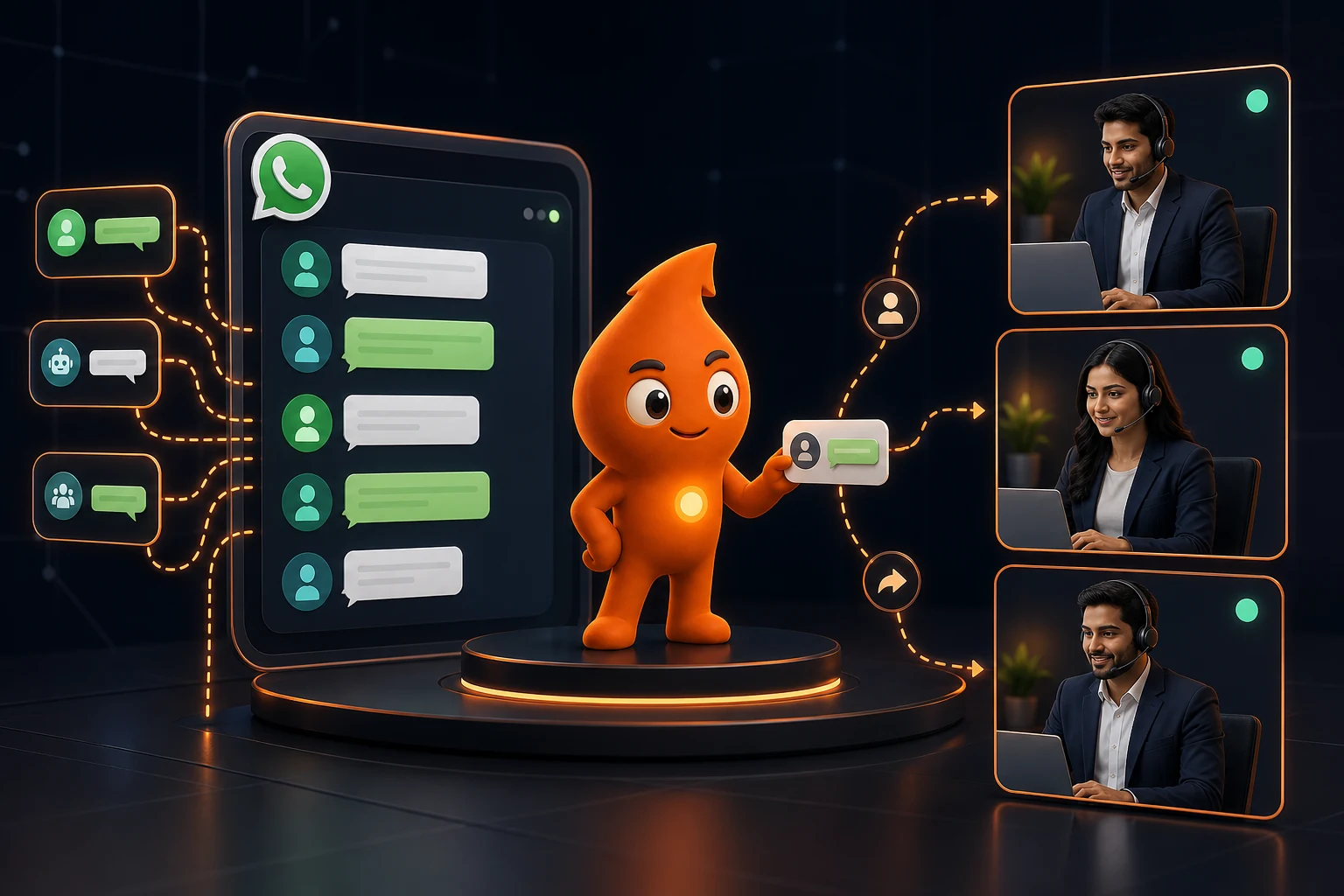
Short answer: A WhatsApp shared inbox lets several salespeople answer one business number, with each chat assigned to one owner, internal notes, response timers and a CRM record. The free WhatsApp Business app is not a shared inbox: it allows one phone plus up to four linked devices, with no assignment or reporting. For a sales team of three or more, you need the WhatsApp Business Platform (API) through a provider inbox or CRM, which in India starts at about ₹1,500 to ₹3,000 a month plus Meta's per-message fees.
Is the WhatsApp Business app a shared inbox, or do you need the API?
A WhatsApp shared inbox is a single business number that several people work from, with rules for who owns each conversation. The question most sales heads are really asking is whether the free app can do that. It can, up to a point, and the point arrives sooner than people expect.
WhatsApp's help centre says you can link up to four devices at a time to your primary phone, and that linked devices are logged out if the phone is not used for more than 14 days. Five screens can therefore see the same chats. What they cannot do is claim a chat, see that a colleague is typing, hand a lead to a named person or report on who replied late. Every device sees every conversation, so two people answer the same buyer or, more often, everyone assumes someone else has.
The WhatsApp Business Platform (Cloud API) has no inbox of its own. It delivers messages to a webhook, and the inbox is built by a Business Solution Provider (BSP) or a CRM. That is where assignment, roles and SLA timers live.
| Setup | Who can reply | Ownership and assignment | Automation | Running cost |
|---|---|---|---|---|
| WhatsApp Business app | Primary phone + up to 4 linked devices | None; labels only | Greeting and away messages, quick replies | Free app |
| App on a Meta One paid plan | "More linked devices" on the Advanced plan | Not described by Meta | More Meta Business Agent (AI) replies | Advanced from US$49.99 a month (about ₹4,835 at ₹96.72 per US$, 9 October 2026), varies by region |
| API with a BSP shared inbox | Seats per plan (3, 6, 10 or more) | Manual, round-robin and team rules, collision alerts | Chatbots, templates, CRM sync | ₹1,500 to ₹16,999 a month for the Indian plans we checked, plus Meta fees and 18% GST |
| API inside a CRM | CRM users with WhatsApp permission | CRM owner field drives the chat | Workflow rules tied to pipeline stages | CRM licence plus connector and Meta fees |
Meta announced its Meta One subscription on 15 September 2026. The Advanced tier adds "more linked devices and business broadcast credits on WhatsApp", but Meta does not describe chat assignment or agent reporting, so treat it as more screens, not a team inbox. For the wider decision between the app, the API and a CRM, see our app vs API vs CRM comparison.
How many agents can use one WhatsApp number?
On the app, five devices at most (the phone plus four). On the API, there is no Meta limit on agents; the cap is whatever seats your provider sells. Two published Indian examples, as checked on 11 October 2026:
- Gallabox: Basic ₹2,999 a month on quarterly billing with a hard cap of 3 users; Essential ₹6,999 with 6 users and round-robin assignment within teams; Advanced ₹16,999 with 10 users. Extra users cost ₹1,200 (Essential) or ₹1,500 (Advanced) a month.
- AiSensy: plans start at ₹1,500 a month with unlimited users under a fair-use cap of 200 agents; chatbot builder is a ₹2,500 a month add-on.
There is a middle route. Meta's coexistence onboarding lets a number run on the Business app and the Cloud API at the same time: the owner keeps the app on their phone (with up to four companion devices, except WhatsApp for Windows and WearOS), while the sales team works the API inbox. Meta caps such numbers at a fixed 20 messages per second and disables broadcast lists in the app. It suits an owner-led business that is adding its first two or three salespeople. Our provider selection guide covers which BSPs support it.
Which shared inbox features does a sales team actually need?
Demos all look similar. Test each feature against a real failure case before you sign.
| Feature | Why sales teams need it | How to test it in a demo |
|---|---|---|
| Single owner per chat | Stops duplicate and orphaned replies | Assign a chat, then message from the same number again a day later. Does it return to the same owner? |
| Auto-assignment with availability | Leads should not route to someone on leave | Mark an agent offline. Does the next lead skip them? |
| Collision detection | Shows when a colleague is already typing | Open one chat on two logins at once |
| Internal notes and @mentions | Context stays out of the customer's view | Add a note; confirm it never reaches the customer |
| SLA timers and escalation | Surfaces chats waiting too long | Leave a chat unanswered past the threshold. Who gets alerted? |
| 24-hour window indicator | After 24 hours only an approved template can be sent | Check the inbox shows time left and offers templates when it closes |
| CRM sync of owner and stage | The CRM, not the inbox, is the sales record | Change the owner in the CRM; does the inbox follow? |
| Role-based permissions | Limits exports, broadcasts and template edits | Log in as an agent and try to export contacts |
| Audit log | Lets a manager review a lost lead | Ask to see who was assigned, when, and who replied |
The 24-hour indicator matters more than it looks. Meta's template documentation says template messages are the only type that can be sent outside a customer service window, so an agent who misses the window has to switch to a pre-approved template.
Which assignment rule should a WhatsApp sales inbox use?
Pick one primary rule and one fallback. Layering five rules makes it impossible to explain why a lead went where it did.
| Rule | Use when | Watch out for |
|---|---|---|
| Round robin | Agents sell the same thing at similar skill | Hands leads to people who are offline unless availability is respected |
| Load-balanced (fewest open chats) | Chat length varies a lot | Slow agents get fewer leads, which can hide their slowness |
| Product or project | Different teams for different offers, e.g. 2BHK vs commercial | Needs the product captured before assignment (a button or the ad's prefilled text) |
| Language or region | Hindi, Marathi or Tamil-speaking buyers; branch-level teams | Small teams leave one person overloaded |
| Sticky owner | Returning contact already has an owner in the CRM | Leads stall when the owner leaves; reassign on exit |
| Score-based | High-value leads should reach senior closers | Keep the score simple enough to explain to the team |
A rule set we commonly configure for a five-person sales desk: (1) if the contact has an open deal, assign to its CRM owner; (2) otherwise ask one button question ("Which project are you interested in?") and route to that project's team; (3) within the team, assign round robin to agents marked available, with a cap of 25 open chats each; (4) if nobody is available or the chat is unclaimed after 10 minutes, move it to the team lead's queue. Those thresholds are our starting defaults, not industry benchmarks; tune them after two weeks of data.
What response time should a WhatsApp sales inbox target?
Meta does not set a response-time rule for sales chats, but it does set a hard edge: the 24-hour customer service window. After that, every message must be a paid template. These are the service levels we set with sales teams (GrowthSparx operating standards, not market averages):
| Stage | Target | What happens if missed |
|---|---|---|
| Automated acknowledgement | Under 1 minute, naming the next step and business hours | Check the webhook and inbox status before blaming agents |
| First human reply, business hours | 5 minutes for new leads; 30 minutes for existing customers | Escalate to the team lead's queue |
| Leads arriving after hours | By 10 a.m. next working day | Morning report of unanswered overnight chats |
| Unclaimed chat | Reassigned after 10 minutes | Fallback owner gets it |
| Open chat with no reply for 20 hours | Alert so the agent replies before the window closes | A template is needed afterwards |
Why the window costs money. Since 1 October 2026, Meta charges for service messages and for utility templates sent inside an open window, according to its non-template pricing page. The India rates reported by the Free Press Journal are ₹0.115 for service, utility and authentication messages, with 1,000 free service messages per number per month, and ₹0.8631 for marketing messages. Worked example: if a team lets 600 leads a month go past 24 hours and re-opens each with a marketing template, that is 600 × ₹0.8631 = ₹518 plus GST. The money is small. The real cost is that the lead has gone cold and may report or block a message they did not expect. The full rate table is in our WhatsApp API cost guide.
How do you set up a WhatsApp shared inbox, step by step?
- Decide the number. Use a number the company owns, not a salesperson's SIM. If the number is already on the Business app with years of chats, ask your provider about coexistence onboarding, which syncs up to six months of one-to-one chat history (group chats are not synced).
- Verify the business in Meta Business Manager. Meta's messaging limits start new portfolios at 250 unique users per 24 hours for business-initiated messages; verification is part of the path to 2,000.
- Create individual logins for every agent and supervisor. No shared passwords; you lose the audit trail.
- Set business hours and the after-hours reply, stating when a person will reply.
- Configure one routing rule and one fallback from the table above.
- Build five to eight tags that map to decisions (project, budget band, stage, lost reason), not 40 free-for-all labels.
- Connect the CRM and test contact matching on a number saved with and without +91. Field mapping is covered in our WhatsApp CRM integration guide.
- Get templates approved for re-opening closed windows: a utility follow-up on a request the lead made and one marketing nurture. Our follow-up template library has 25 to adapt.
- Set permissions: agents cannot export contacts, send broadcasts or edit templates.
- Run a one-week pilot with live traffic on one campaign, then switch all sources.
What should a sales manager review every week?
| Metric | How to calculate | Action threshold we use |
|---|---|---|
| Median first human response (business hours) | Median minutes from first inbound to first agent reply | Above 15 minutes: check staffing by hour |
| Unassigned at end of day | Count of open chats with no owner | Anything above zero |
| Windows expired without reply | Chats where 24 hours passed after the last inbound | Above 5% of new leads |
| Transfer rate | Chats reassigned ÷ chats assigned | Above 20%: the routing question is wrong |
| Lead-to-meeting or visit rate by agent | Meetings booked ÷ leads owned | Compare agents on the same source only |
| Template opt-outs and blocks | From provider reports and quality rating | Any drop in quality rating |
Do not reward message volume. It encourages one-line replies that drag a conversation out. Sample ten chats per agent each week for accuracy, tone and whether the promised follow-up happened.
What are the common shared inbox mistakes?
- Everyone sees everything, nobody owns anything. Fix: auto-assign on arrival and show "unassigned" as a red count on the dashboard.
- The inbox becomes the CRM. Tags in the inbox are not a pipeline. Fix: stage, value and next action live in the CRM; the inbox reads them. Our CRM comparison for WhatsApp covers which CRMs handle this natively.
- Personal numbers keep working in parallel. Leads go to the old salesperson's phone. Fix: put the company number on every ad, form thank-you page and visiting card, and use a wa.me link with prefilled text that identifies the source.
- Bots with no way out. WhatsApp's Business Messaging Policy requires "prompt, clear, and direct escalation paths" when you automate. Fix: a "Talk to a person" button on every bot menu.
- Ex-employees keep access. Fix: remove the login and reassign their chats on their last day; review users monthly.
If you want this set up and run alongside your campaigns, see our WhatsApp CRM automation service.
Sources
- WhatsApp Help Center: About linked devices: four linked devices, 14-day logout.
- Meta Newsroom: Introducing Meta One (15 Sep 2026): plan prices and "more linked devices" on Advanced.
- Meta for Developers: Onboarding WhatsApp Business app users (coexistence): history sync, 20 mps, companion devices, disabled features.
- Meta for Developers: Templates overview: templates are the only messages allowed outside the service window.
- Meta for Developers: Non-template message pricing: service and in-window utility charges from 1 October 2026.
- Free Press Journal (30 Sep 2026): India INR rates and 1,000 free service messages.
- Meta for Developers: Messaging limits: 250 starting limit and scaling path.
- WhatsApp Business Messaging Policy: escalation-path requirement for automation.
- Gallabox pricing and AiSensy pricing: seat counts and plan prices, checked 11 October 2026.