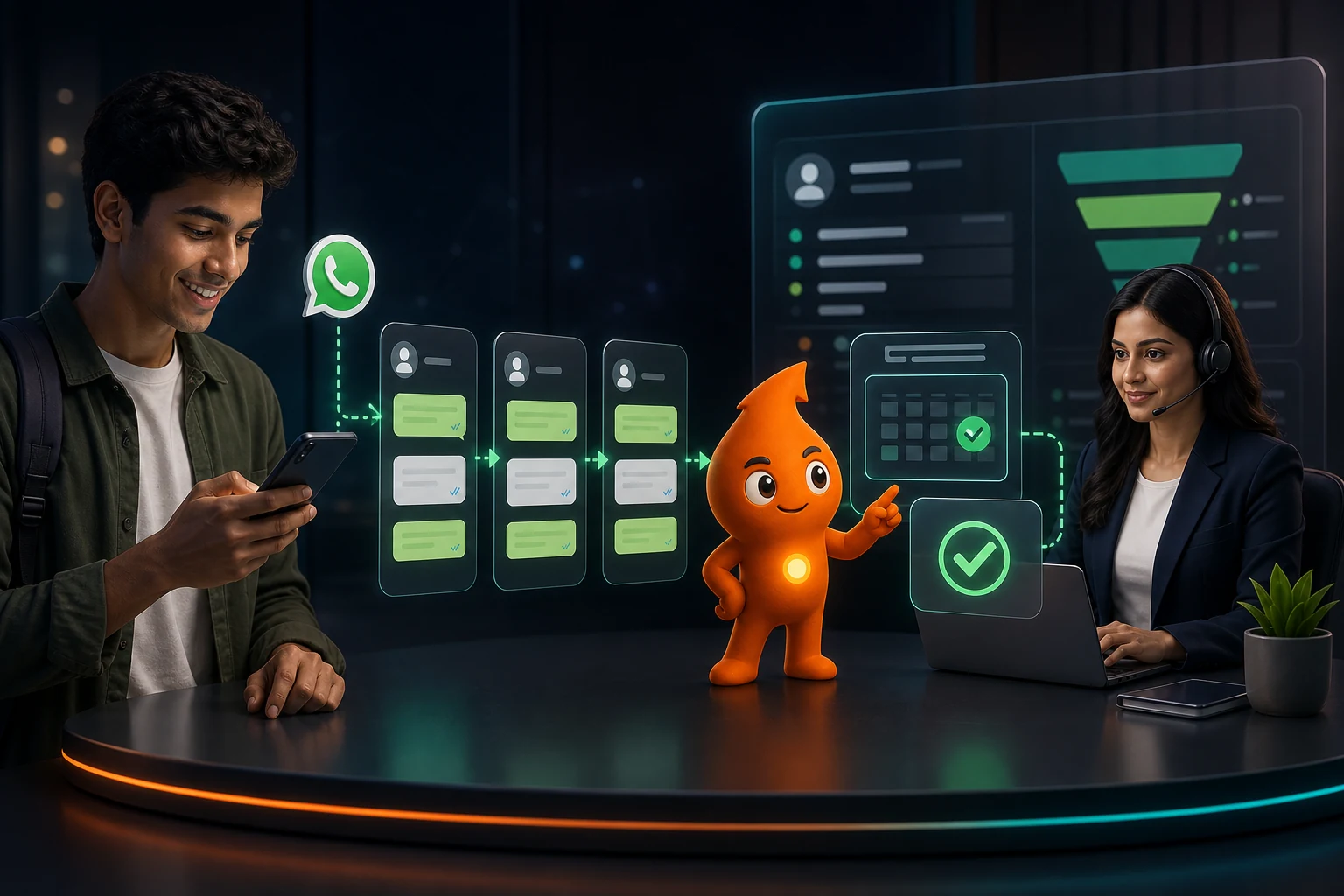
Short answer: WhatsApp automation for education admissions should do four jobs: acknowledge every enquiry in under a minute, ask two or three routing questions (programme, intake, student or parent), hand the lead to the right counsellor with context, and send utility reminders for counselling sessions and document deadlines. Because many applicants are under 18, ask who is chatting at the start and send promotional nurture only to adults or parents who opted in. India's DPDP Act requires verifiable parental consent for children's data, and the core rules apply from 13 May 2027.
How does WhatsApp automation fit the education admission funnel?
WhatsApp automation for education admissions works when each message matches a real stage of the admission journey and a real trigger in your CRM. Here is the map we use for colleges, coaching institutes and study-abroad consultancies. The category column matters because Meta prices utility and marketing templates very differently.
| Stage | Trigger | What WhatsApp does | Message type |
|---|---|---|---|
| New enquiry | Form, Click-to-WhatsApp ad, portal lead (Shiksha, CollegeDunia), missed call | Instant acknowledgement plus 2–3 routing questions | Utility template, or free reply if the student messaged first |
| Qualified | Routing answers received | Assigns a counsellor and introduces them by name | Service message inside the 24-hour window |
| Counselling booked | Slot chosen | Confirmation, then reminders 24 hours and 1 hour before | Utility |
| Counselled, not applied | Counsellor marks outcome | Fee breakdown, scholarship criteria, answers to the stated objection | Service if within 24 hours; otherwise marketing |
| Application started | Portal event | Document checklist, deadlines | Utility for factual status; marketing if it nudges to "complete now" |
| Offer or seat allotted | Admission office update | Fee payment link, reporting date | Utility |
| Lost or deferred | Outcome recorded | Ask permission to stay in touch for the next intake | Marketing, opted-in only |
The campaign side of this (when the season starts, which channels feed it, cost per enrolment) is in our admission lead generation playbook. This article covers what happens after the lead arrives.
What should the first-minute qualification flow ask?
Ask the minimum needed to route the lead, using buttons and lists so the student taps instead of types. WhatsApp list messages hold up to 10 rows with 24-character titles, which is enough for a programme menu; reply buttons allow three choices of up to 20 characters.
- Who is chatting? Buttons: "Student 18+", "Student under 18", "Parent/guardian". This one answer decides the consent path later.
- Which programme? List: B.Com / BBA, B.Tech, MBA, Study abroad – UK, Study abroad – Canada, MBBS abroad, Other. Keep the list in step with the courses you actually advertise.
- Which intake? Buttons: "This year", "Next year", "Just exploring".
- Optional, only if it changes routing: city or preferred language.
Then hand over: "Thanks, Riya. Your counsellor is Ankit (B.Tech admissions). He will message you here within 15 minutes, 9 a.m. to 7 p.m. Want to book a 20-minute call instead?" with buttons "Book a call" and "Ask a question". Do not answer fee or eligibility questions from a bot unless the answers come from one approved, current source; outdated fee figures in automated replies create disputes later.
If you use WhatsApp Flows for a longer form, the same rule applies: collect class 12 stream and score band only if a counsellor will use them.
How should admission leads be routed to counsellors?
Route by what the counsellor needs to know to be useful, not by arrival order. A matrix we use as a starting point for a mid-sized institute (adapt the names and caps):
| Condition | Route to | Fallback |
|---|---|---|
| Existing applicant (number matches a CRM record) | Current owner | Team lead if owner inactive for 2 working days |
| Study abroad, intake this year | Senior country counsellor | Any study-abroad counsellor |
| Parent/guardian | Counsellors trained for parent conversations (fees, hostel, safety) | Programme counsellor |
| Preferred language Hindi, Tamil, Bengali etc. | Counsellor tagged with that language | Programme counsellor with a callback in that language |
| "Just exploring" | Nurture queue, no live counsellor | Counsellor if they reply with a question |
| Everything else | Programme team, round robin among available counsellors | Team lead queue after 15 minutes unclaimed |
Cap each counsellor's open new conversations (we start at 30) so fresh leads do not pile up behind one person during results week. The counsellor should open the chat with the source, programme, intake, who is chatting and every answer already given, so the student is never asked the same question twice. Mechanics of assignment, collision alerts and SLA timers are in our WhatsApp shared inbox guide.
We saw why separate routing matters on the Career Clinic programme: study-abroad and medical-admission enquiries ran as separate funnels with intake-timing qualification so counsellors could prioritise counselling-ready students, and the programme averaged a ₹50 CPL with an 8% conversion rate.
Which WhatsApp templates does an admissions team need?
Meta's template guidelines define utility messages as non-promotional and specific to something the user requested. Anything persuasive is marketing. One example from Meta matters for admissions: a status message saying an application is pending with "Please log in to pick up where you left off" is classed as marketing (retargeting), even though it sounds like a status update.
| Template | Likely category | Sample wording |
|---|---|---|
| Enquiry acknowledgement | Utility | "Hi {{1}}, we received your enquiry for {{2}} at {{3}}. Your counsellor {{4}} will message you on this number by {{5}}." |
| Counselling confirmation | Utility | "Your counselling call for {{1}} is booked on {{2}} at {{3}} with {{4}}." Buttons: Add to calendar / Change time |
| Counselling reminder | Utility | "Reminder: your call with {{1}} is at {{2}} today. Keep your class 12 marks handy." |
| Document checklist | Utility | "For your {{1}} application ({{2}}), we still need: {{3}}. Upload at {{4}} by {{5}}." |
| Webinar invite or new intake | Marketing | "{{1}}, our {{2}} information session is on {{3}}. Faculty will answer questions on fees and placements. Reply STOP to opt out." |
| Next-intake keep-in-touch | Marketing | "Would you like updates when applications for {{1}} open? Tap Yes or No." Buttons: Yes / No |
Our 25 follow-up templates include non-pushy no-response sequences you can adapt for counselled-but-silent students.
What does admission WhatsApp automation cost per month?
India rates as reported by the Free Press Journal on 30 September 2026: ₹0.8631 per marketing template and ₹0.115 per utility or service message, with 1,000 free service messages per number a month. Since 1 October 2026, Meta also charges for service replies and in-window utility templates, per its non-template pricing page.
Worked example (assumptions, not benchmarks): during peak season an institute receives 3,000 enquiries a month. Each gets one acknowledgement; 1,000 book counselling and get two reminders; the 2,500 who do not enrol in the month get three marketing nurture messages; counsellors send 15,000 replies.
| Line | Messages | Rate | Meta fee |
|---|---|---|---|
| Acknowledgements and reminders (utility) | 5,000 | ₹0.115 | ₹575 |
| Counsellor replies (service), after 1,000 free | 14,000 | ₹0.115 | ₹1,610 |
| Nurture (marketing) | 7,500 | ₹0.8631 | ₹6,473 |
| Total before GST | ₹8,658 (₹10,217 with 18% GST) |
Three quarters of the bill is nurture. Cutting it to two messages for students who chose "Just exploring", and stopping after a "No" button, saves more than any provider discount. Leads that arrive through a Click-to-WhatsApp ad and get a reply within 24 hours open a 72-hour free entry point window, so early qualification on those leads costs nothing. Add the provider plan; prices are compared in our WhatsApp API cost guide.
What consent rules apply when applicants are minors?
DPDP Act. Section 2(f) of the Digital Personal Data Protection Act, 2023 defines a child as anyone under 18. Section 9 requires "verifiable consent of the parent" or lawful guardian before processing a child's personal data, and bars "tracking or behavioural monitoring of children or targeted advertising directed at children". The Act's schedule sets a penalty of up to ₹200 crore for breaching these obligations. The DPDP Rules were notified in November 2025 with an 18-month phase-in; the verifiable-consent rule (Rule 10) applies from 13 May 2027, per Hogan Lovells. The Rules exempt educational institutions only for limited purposes; S.S. Rana's analysis reads the exemption as covering tracking strictly needed for educational activities or the safety of enrolled children, which does not obviously extend to marketing to prospective students.
How we build for that now:
- Ask who is chatting first. If "Student under 18", answer their questions but ask for a parent's number and send nurture and webinar invitations only to the parent after the parent opts in.
- Keep under-18 contacts out of ad audiences. Do not upload them to Meta or Google custom audiences for retargeting.
- Record consent as data: who consented, for which purpose, when, on which form or chat, and the opt-out date.
- Do not collect documents in chat. Send an upload link to your admission portal. WhatsApp's Business Messaging Policy also prohibits asking for full ID card or payment card numbers, and requires opt-in before you message anyone.
Advertising claims. For coaching institutes, the CCPA guidelines of November 2024 bar claims such as "100 per cent selection" and require "written consent obtained after selection" before using a successful candidate's name or photo, as reported by Business Standard. That applies to WhatsApp broadcasts as much as to hoardings. More on opt-in wording and template rules is in our WhatsApp consent and template guide.
Which metrics show admission automation is working?
| Metric | Formula | What to fix if it is low |
|---|---|---|
| Qualification completion | Leads answering all routing questions ÷ leads acknowledged | Too many questions, or typed answers instead of buttons |
| Time to counsellor's first message | Median minutes, counselling hours only | Routing caps, staffing at peak hours |
| Counselling booked | Bookings ÷ qualified leads | Slots too far out; no "Book a call" button |
| Counselling attended | Attended ÷ booked | Reminder timing, call-back reliability |
| Application started and completed | Applications ÷ attended counselling | Document checklist clarity, fee clarity |
| Enrolment by source and programme | Enrolments ÷ leads | Shift budget; review the programme menu |
| Opt-out and block rate | Opt-outs ÷ marketing templates delivered | Too much nurture, wrong audience |
Start with one programme for one intake: acknowledgement, routing, counselling booking and reminders. Add nurture only after you have read a week of real questions the bot could not answer. The counselling-booking step reuses the slot logic in our appointment booking guide, and our education marketing team builds the full funnel from ad to enrolment.
Sources
- Meta for Developers: Interactive list messages and reply buttons: row and button limits.
- Meta: Template category guidelines: utility vs marketing, application-status example.
- Meta: Non-template message pricing: October 2026 charges; 72-hour free entry point unchanged.
- Free Press Journal (30 Sep 2026): India INR rates.
- DPDP Act, 2023 (MeitY): definition of child, Section 9, penalty schedule.
- PIB: DPDP Rules notified (14 Nov 2025): 18-month phase-in, children's verifiable consent.
- Hogan Lovells: commencement of Rule 10 on 13 May 2027.
- S.S. Rana & Co.: scope of the educational-institution exemption.
- WhatsApp Business Messaging Policy: opt-in, sensitive identifiers.
- Business Standard (13 Nov 2024): CCPA coaching advertisement guidelines.